

This feature is part of our Early Access program (as of 19.20.0 release), and may be disabled on your instance. Your system administrator can enable this feature for your entire organization. How to enable Early Access features.

Improved Navigation: History Moved to a Dedicated Panel
We’ve updated how navigation works to make it clearer and easier to use.
What’s changed
-
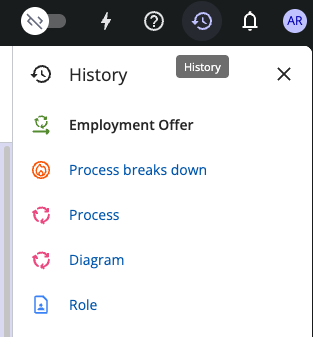
History is now available in a dedicated panel, which you can open using the History button in the top bar.
-
The navigation path now shows ancestors only. This removes the need to switch between ancestors and history in the same place.

-
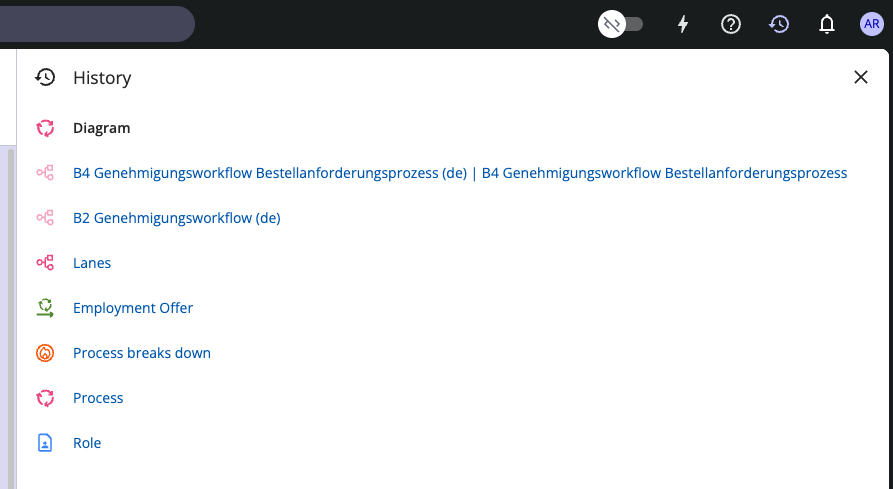
The History panel is resizable, so you can make it wider to see long object names more clearly.
What stayed the same
-
You can still:
-
Click items to navigate to them.
-
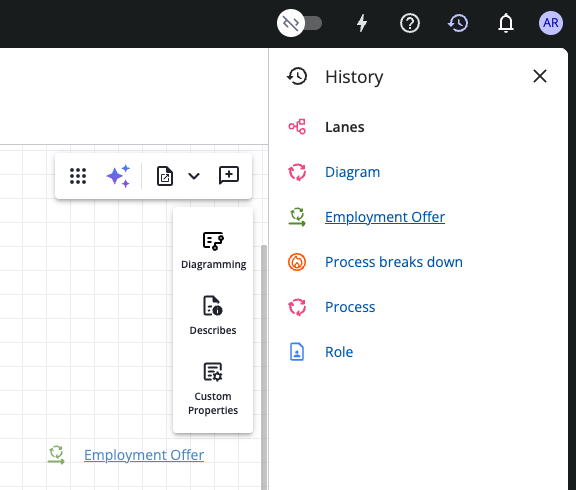
Drag and drop items directly into the diagram from both the navigation path and the history panel.
-