Diese Seite ist nur auf Englisch verfügbar. Englische Seite öffnen
Conformance View
The conformance view requires having at least one model with status "available" on the project.
Show conformance
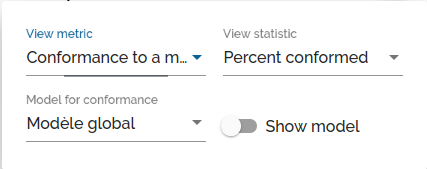
Conformance is obtained by selecting Conformity to a model in the View metric menu.
You can then select the desired statistic: Percentage of conformed or non-conformed events per task, or the total of conformed or non-conformed events per task.
If several valid models exist for the project, it is possible to select the desired model among these models.
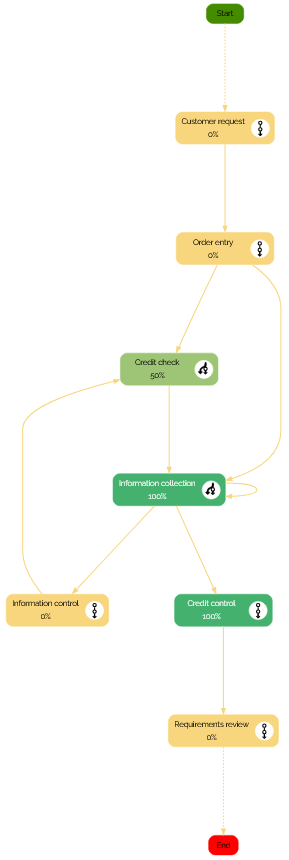
Once the parameters have been selected, the adapted view appears, with a gradient going from :
- if non conformance: yellow to red indicating the tasks that are least conformed
- if conformance: yellow to green indicating the tasks that are more conformed.
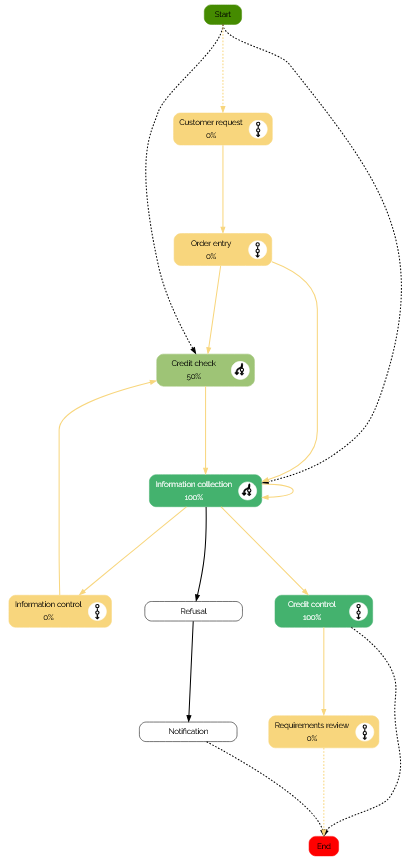
Show tasks and links that are only in the model
Setting Show model to on add tasks and links that are only in the model to the view. These tasks and links are displayed in black and white.