Saved Filters
The Saved filters tab allows you to view the list of saved filter sets.

For each set of filters contained in the table you have several actions available:
Transfer the filters from the set to the Case Explorer
Click the button shown below to transfer the filters contained in the set and navigate to the Case Explorer page.

Transfer the filters from the set to Analysis
Click on the button shown below to transfer the filters contained in the set and navigate to the Analysis page.

Change the name of the set
Click the button shown below to edit the name of the filter set.

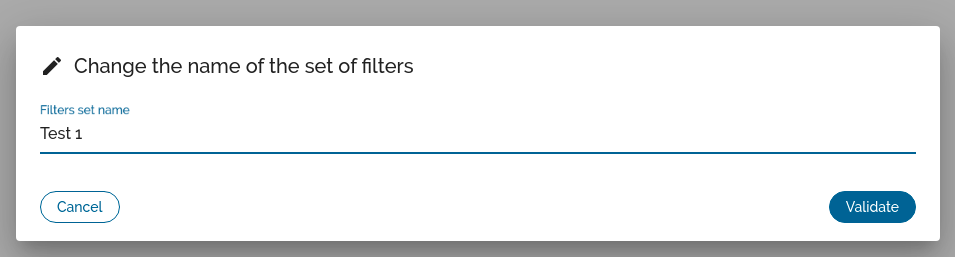
You will be presented with a pop-in containing an edit field for the name of the set (see below). Validate to save the name change.
Remove filter set
Click the button shown below to remove the filter set. A validation pop-in will ask you to validate the operation, if you validate, the set will be deleted and the table will be updated.
