View recent changes
Recent Changes lists the repository's most recently changed items, newest to oldest — a quick way to catch up on what happened since you last looked.
Prerequisites
None — the list shows the items you're allowed to view.
Steps
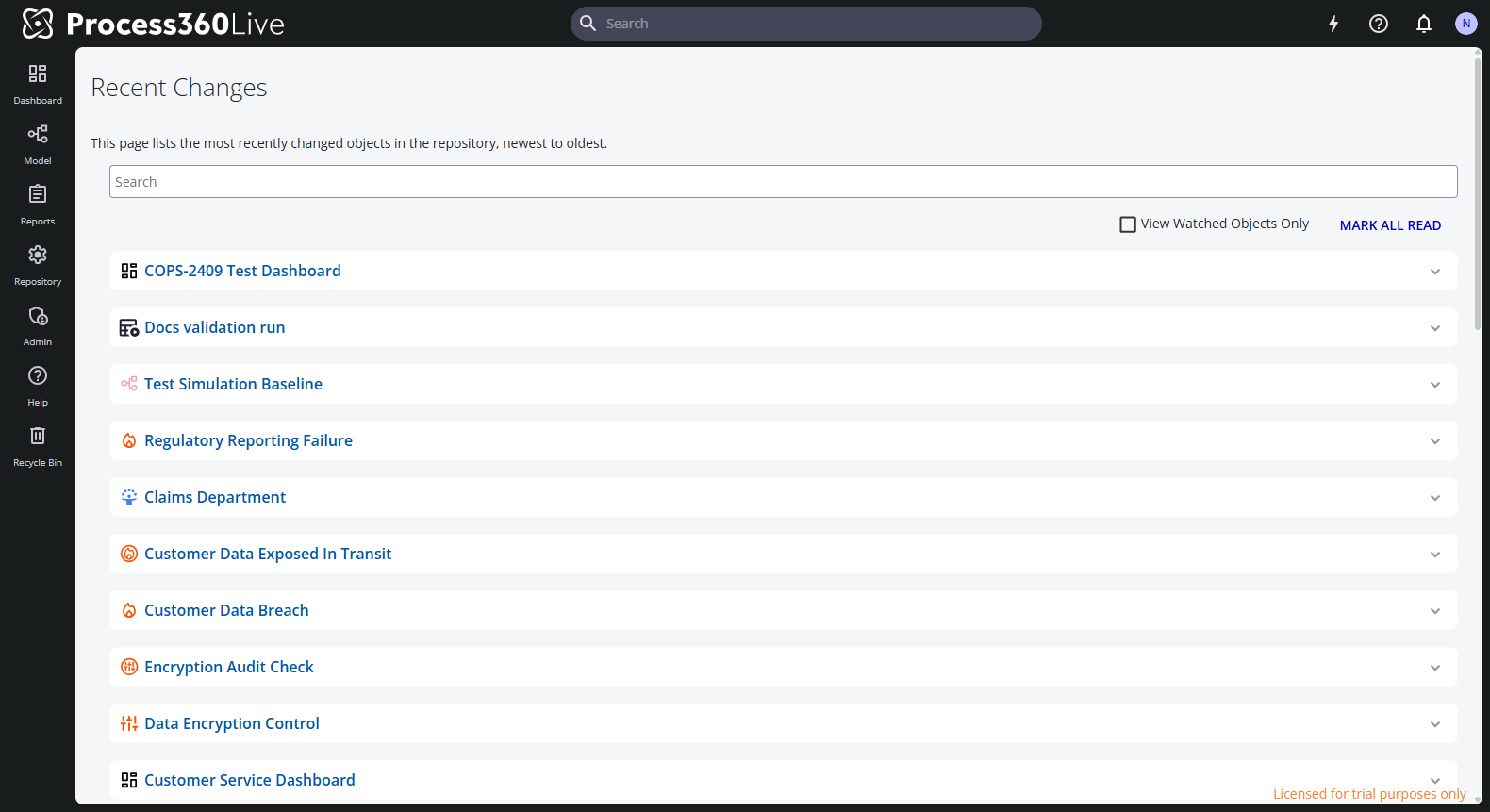
- Select your avatar in the upper right, then Recent Changes. The page lists the current repository's changed items, newest first; scroll down to load older ones.
- Select an item's name row to expand its latest history entries in place — who changed what, and when. The History link jumps to the item's full History tab, and the item name opens the item itself.
- Narrow the list by typing in the search box, or check View Watched Objects Only to see only the items you watch.
- Mark all read clears the unread state of every listed change. This can't be undone.
Related
- Watch an item — get notified about the items you care about
- View an item's history — the full change log of one item