18.3.3 Cloud Release Highlights

Diagramming - Auto Font Sizing​

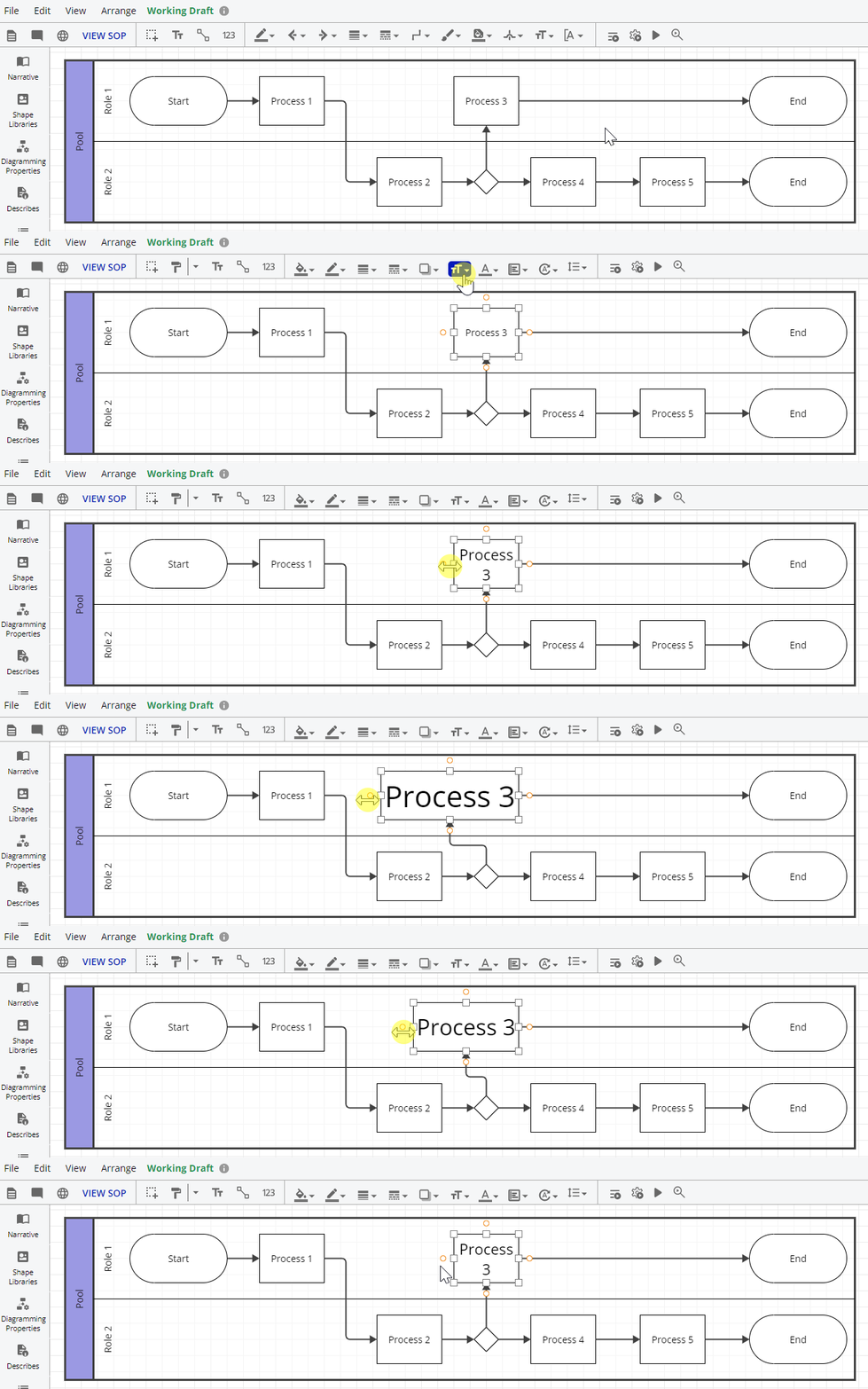
Select Auto font size while diagramming to have font sizes auto adjust to fit the shape size.

Learn More

Increase diagramming productivity by using the Auto font size

  • Text will re-size to fit in the shape 

  • Increase/decrease the size of the shape and the font size will increase/decrease

Learn more here. See section on Font Sizing.

Auto Font Size-20230925-213914.gif

Early Access​

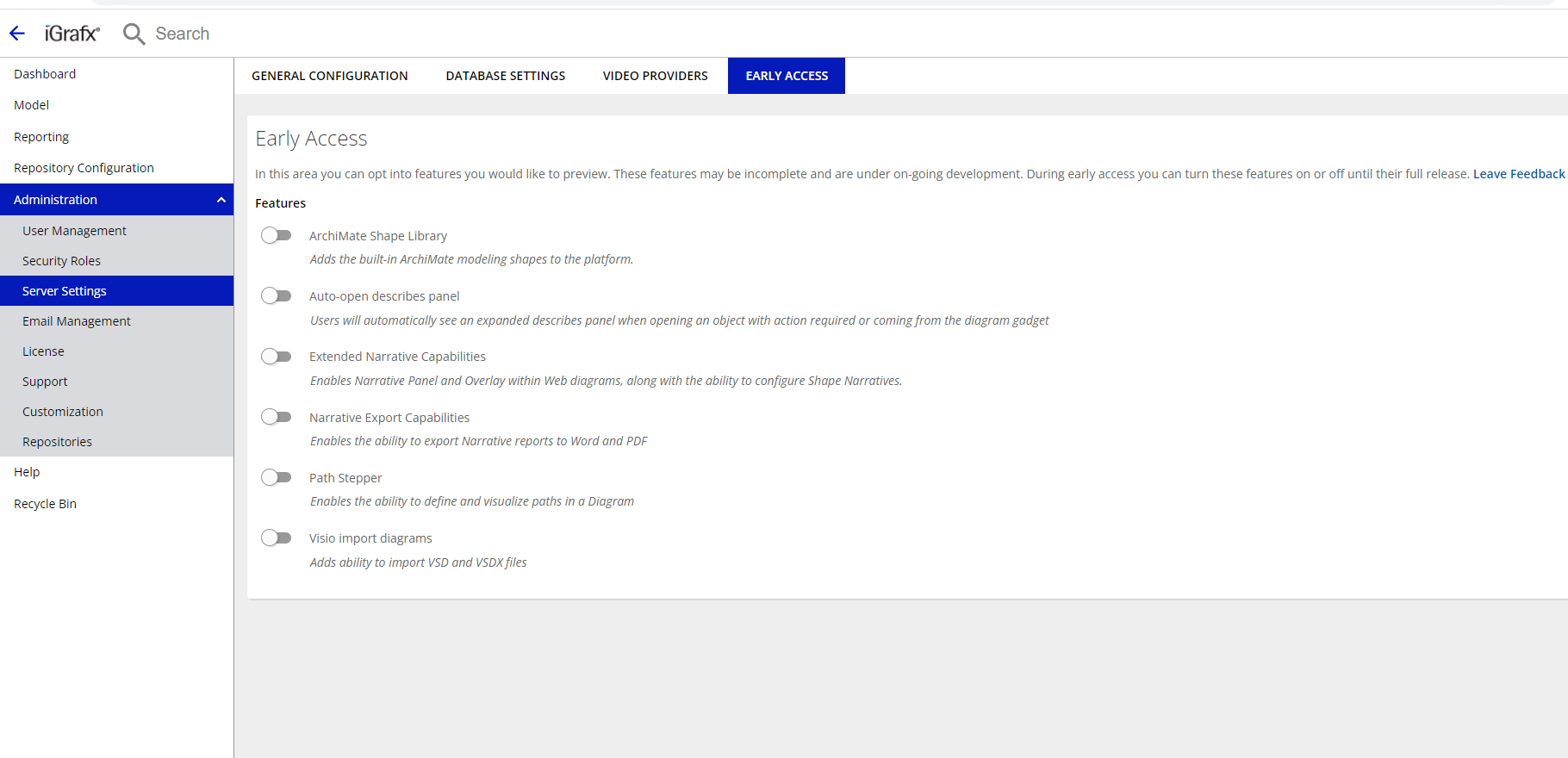
How to enable Early Access features

How to enable Early Access features

  1. Go to Administration → Server Settings

  2. Navigate to the Early Access tab

  3. Toggle the Early Access features you would like to enable

early access list.png


Diagramming - Value Stream Mapping​

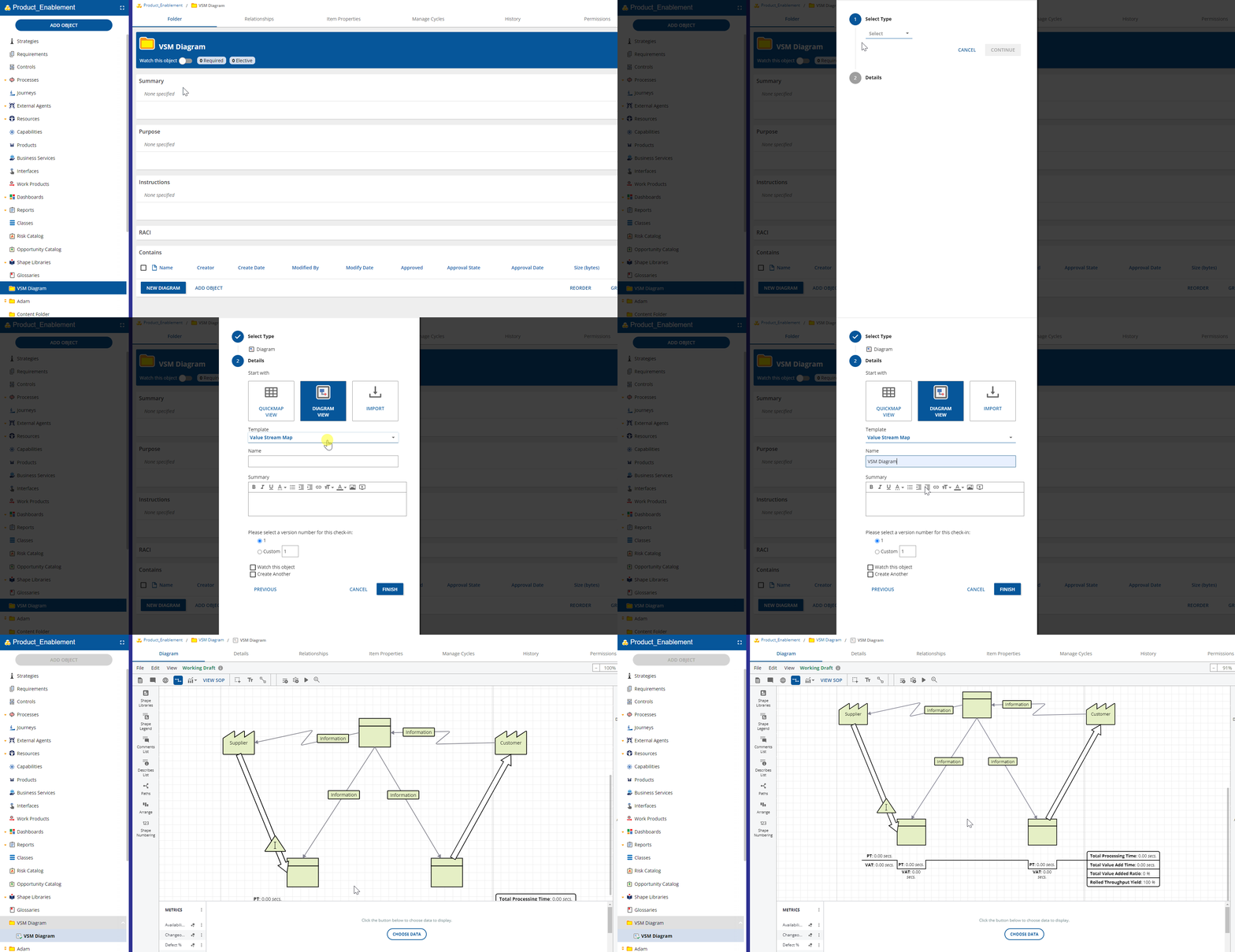
New diagram type now available: Value Stream Map.

Learn More

Find waste in your processes by evaluating value streams

  • Organize and manage all stages of product or service delivery, including interactions with suppliers and customers

  • Model all the actions required to deliver a product or service to a customer

  • Create value for customers by eliminating waste and focusing on customer demand

  • Dramatically lower inventory, decrease lead times, gain capacity, increase quality, and have satisfied customers

  • Calculate TAKT time

  • Automatically create a VSM timeline for any process step


Note: Requires Early Access Feature Diagram Defined Custom Properties to be enabled

Learn more here.

VSM Diagrams.gif

Diagramming - Lane Based RACI​

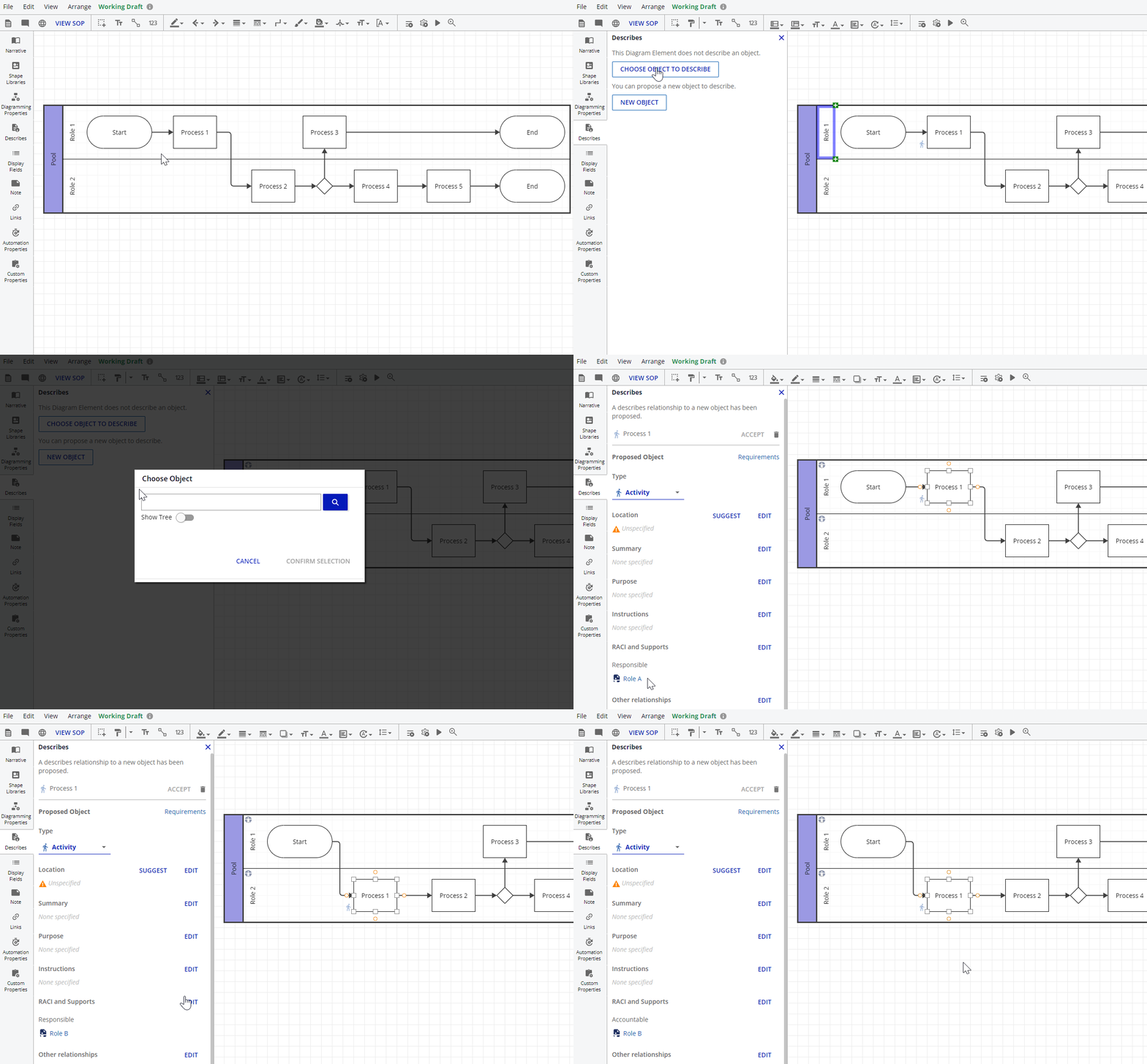
Use pool lanes to define RACI relationships while diagramming

Learn More

Improve productivity by using lanes to define RACI relationships when diagramming

  • Create new processes or activities in a lane and see a RACI relationship be auto-created when describing the process

  • Move a shape to a new lane and have the RACI relationship auto-update


Learn more here.

Lane Based RACI.gif