18.2.5 Cloud Release Highlights
Reporting - Diagram Comments
Reports now have a new Filter/Property that returns information on diagram comments.
Learn More
View details on diagram comments in Reports:
Learn more about IQL properties here. |
|
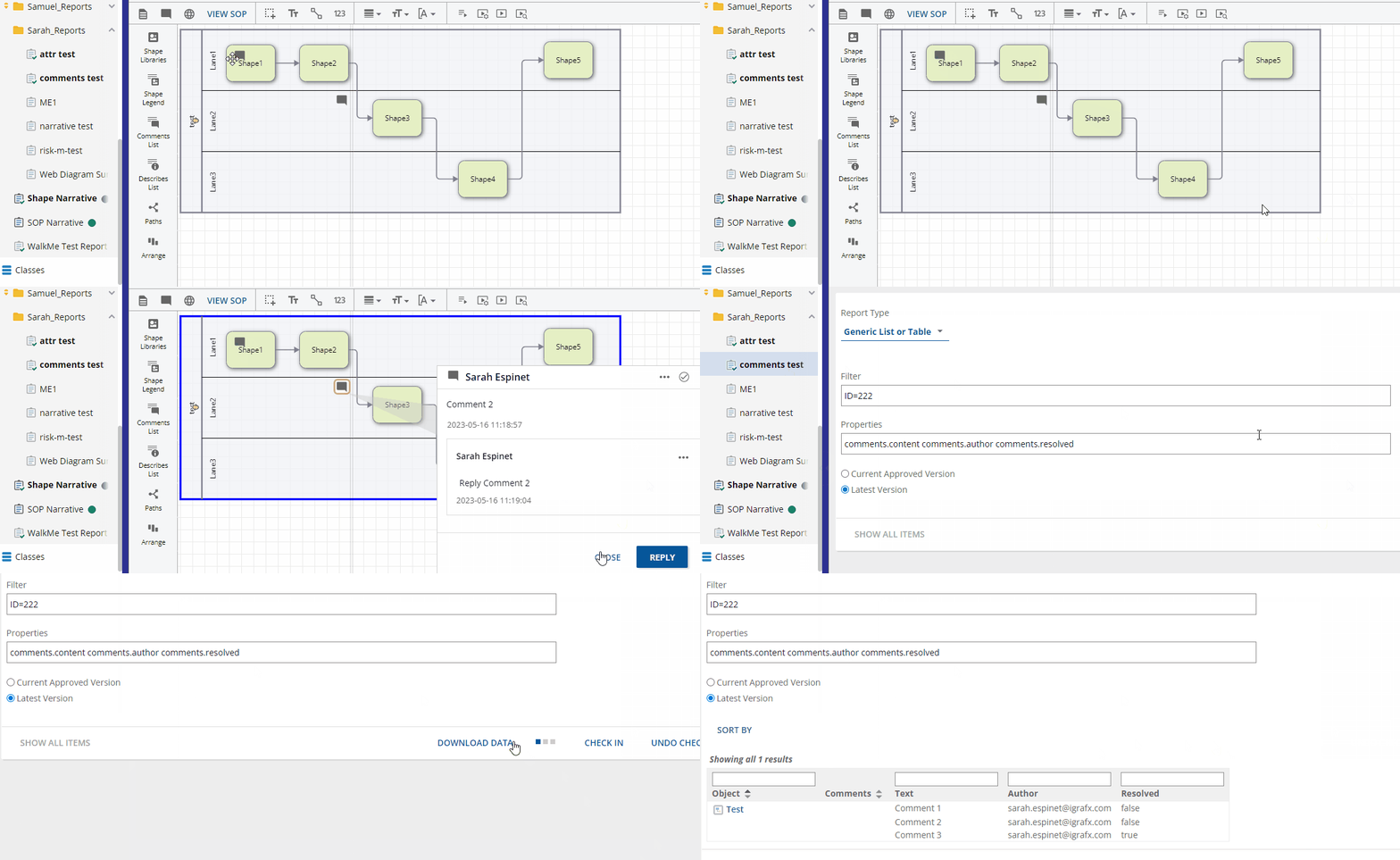
Diagram Tools - Format Painter
Copy line styles and shape colors to apply them to other shapes with the Format Painter.
Learn More
Set a line style and shape fill and use them for other diagram elements.
|
|
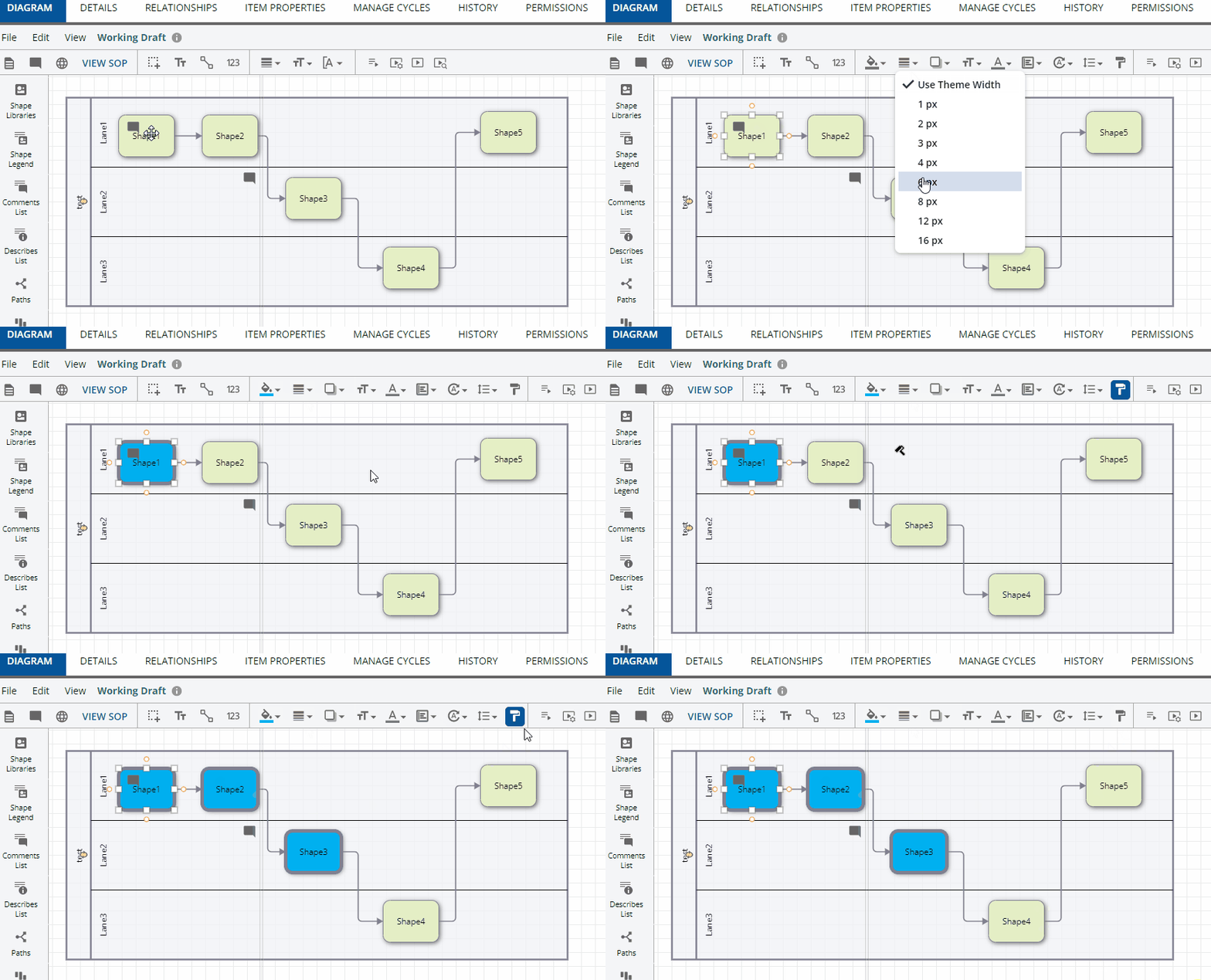
Diagram Compare - Zoom Controls
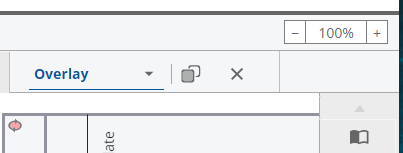
Zoom controls are now available in the Overlay when comparing diagram versions.
Learn More
|
|
Narrative Reports - Shape ID Toggle
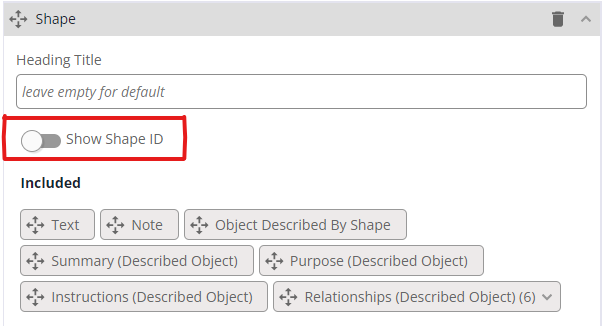
Narrative Reports can now display Shape IDs in place of Shape Numbers.
Learn More
You can use internal Shape IDs to identify your shapes in the Narrative report.
Note: Shape ID and Shape Number do not have to be identical. |
|
Visio - Visio Import Early Access
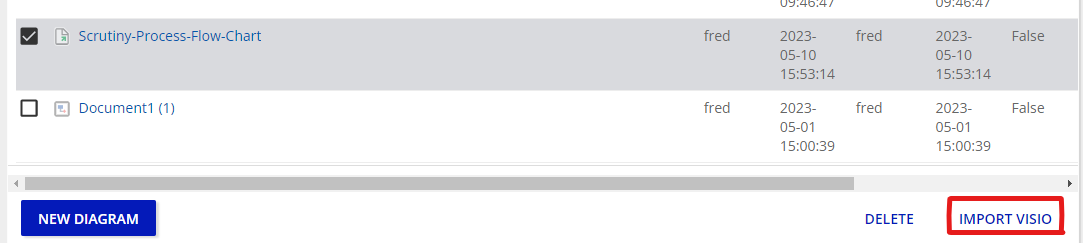
You can now import VSD and VSDX files and convert them to iGrafx IGXW diagrams as an Early Access feature.
Learn More
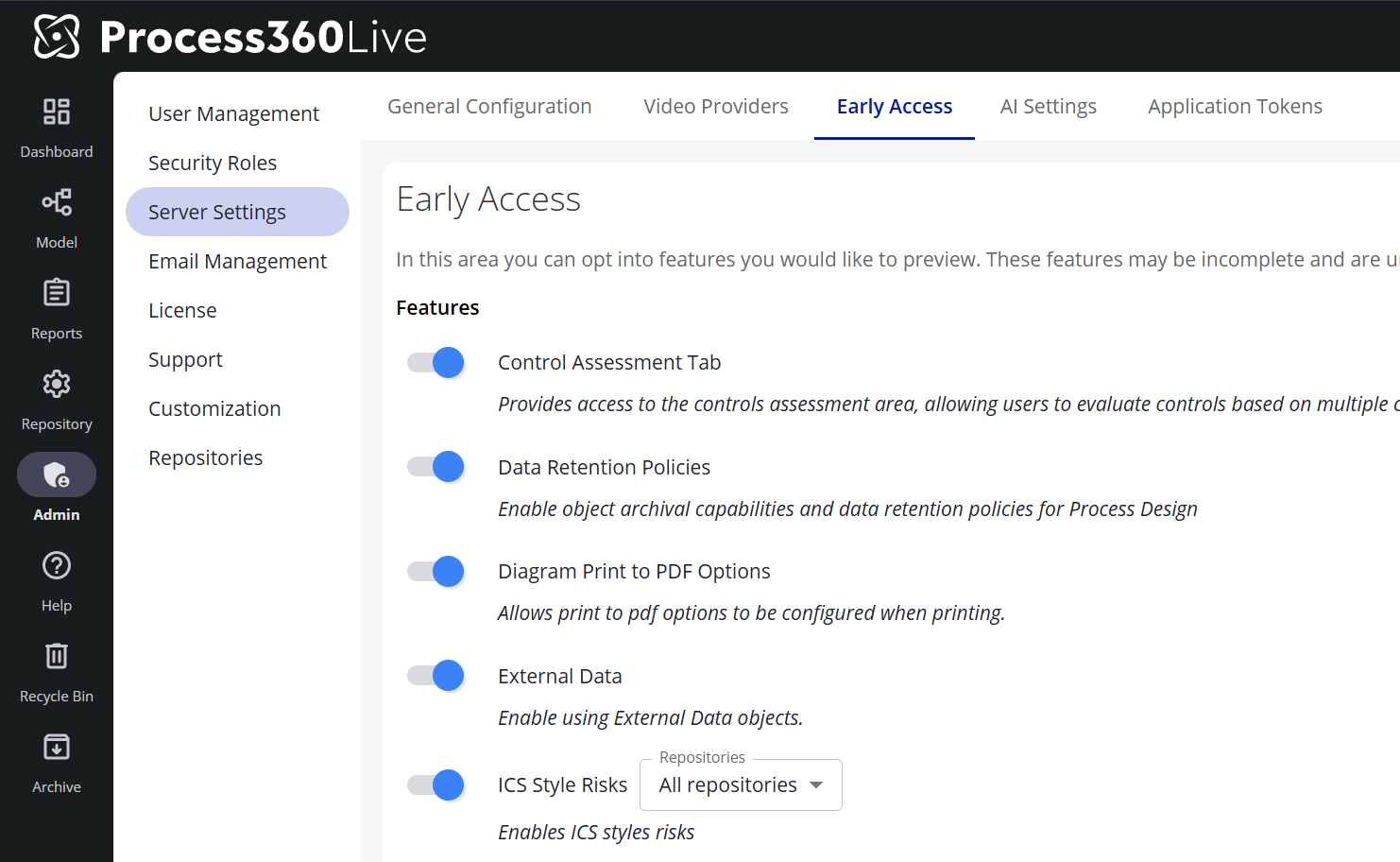
Visio Import Early AccessEarly Access lets you explore our latest features before they're released. These features are still in development, so we'd love your feedback. Go to Admin → Server Settings Navigate to the Early Access tab. AI-related Early Access features (such as Pia Diagram Creation) live on the adjacent AI Settings tab and are toggled the same way. Toggle the features you would like to enable Note: Features with a ℹ️ icon are in General Access. These features are fully released; customers are provided a temporary window to disable these features to perform internal training and communications before the feature is permanently enabled. With the Visio import diagrams feature enabled, you can consolidate work and convert your Visio diagrams to IGXW.
Learn more about importing Visio diagrams here. |
|