Analyze a diagram with Pia
Open the Pia panel on a diagram and ask questions about it. Pia reads the diagram on screen — its shapes, lanes, gateways, connections, and notes — and answers in a chat. This is Pia Diagram Insights.
Prerequisites
- Pia Diagram Insights must be enabled for your organization. It's an Early Access, cloud-only feature — see Process Intelligence Assistance — Pia for how an administrator turns it on.
- You need permission to view the diagram. Read access is enough; you don't have to check the diagram out.
- Saving a response as a comment (step 5) additionally requires the Add Diagram Comments item permission — see Roles and Permissions. Without it, Pia answers questions as usual but offers nothing to add.
Steps
-
Open the diagram you want to ask about.
-
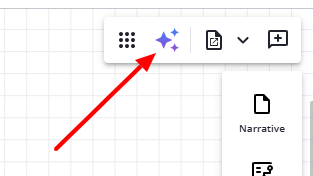
In the diagram toolbar, click the Pia icon to open the Diagram Insights panel. The same icon toggles the panel closed, and the panel has a Close button too.
-
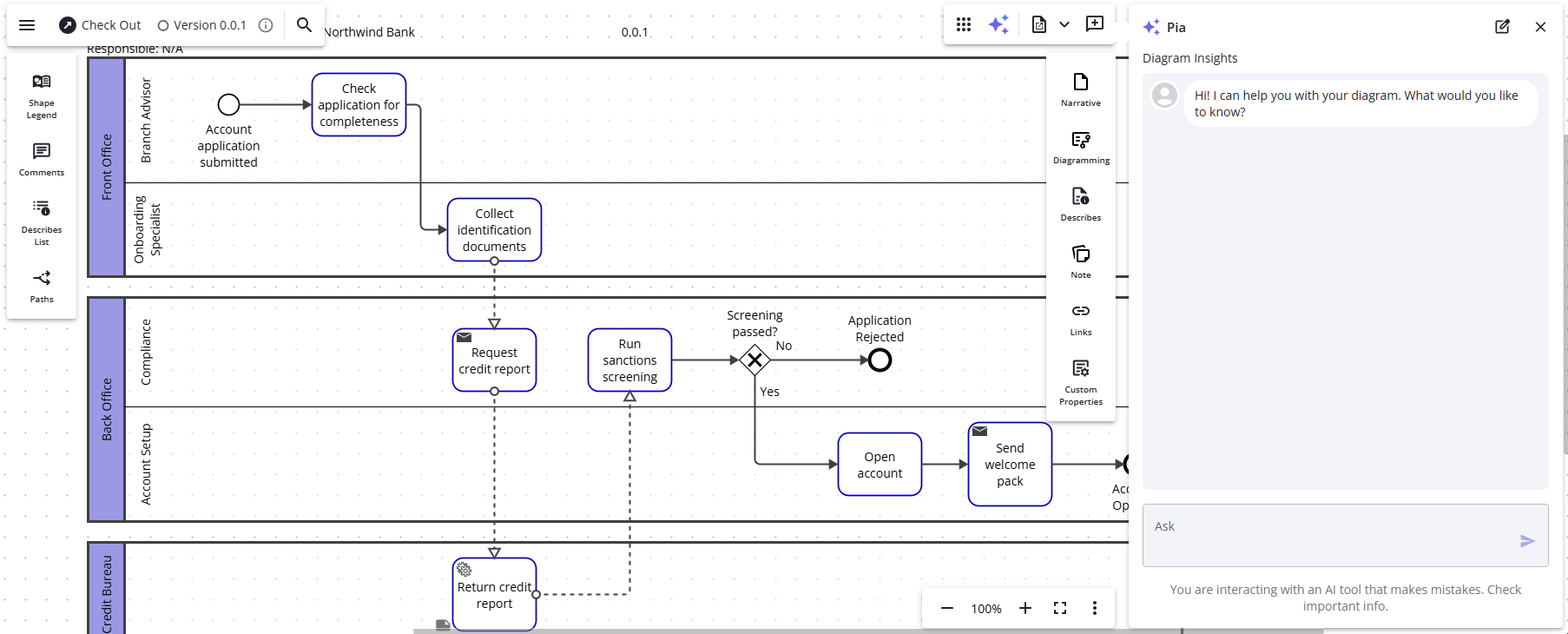
Type your question about the diagram and send it.
-
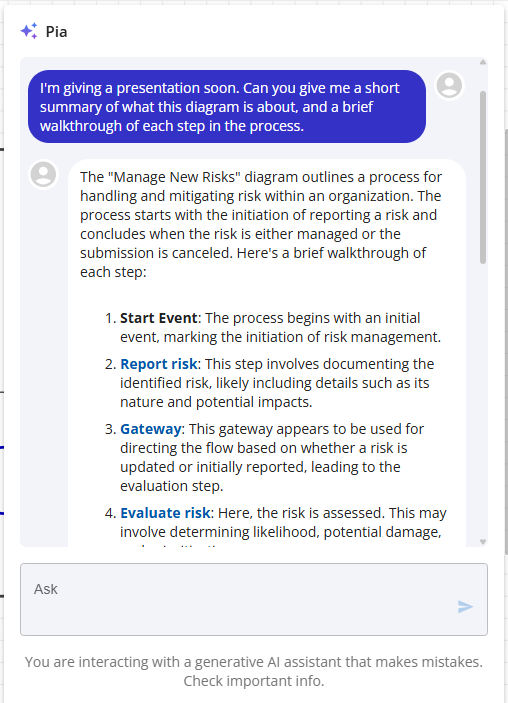
Read Pia's answer. When a response refers to a shape, the shape name appears as a link. Hover the link to highlight that shape in the diagram, or click it to focus the shape.
-
To make a note or write down an action item on the diagram, save part of Pia's answer as a comment. Hover a paragraph that refers to a shape — Pia highlights it and shows an Add as comment button at the top right. Click the button and Pia adds that paragraph's text as a comment on the shape, then opens the comment so you can edit it before you save. Paragraphs that name no shape don't offer the button. You don't need to check the diagram out to add a comment.
-
To scope an answer to part of the process, select one or more shapes or lanes before you ask, and Pia tailors its analysis to your selection. Only shapes and lanes narrow the scope — selecting a connector or a text label alone doesn't.
-
If you have the diagram checked out, Pia takes your in-progress edits into account each time you ask.
Limitations
- Pia doesn't edit the diagram's shapes or flow. The one change it helps you make is saving a response as a comment, and only when you choose to (see step 5).
- Pia reads only the diagram on screen — not relationship data or the wider enterprise model.
- Pia keeps a separate conversation for each diagram. Opening a different diagram starts a fresh conversation.
- While you're viewing a historic version of the diagram, the Add as comment button doesn't appear.